
















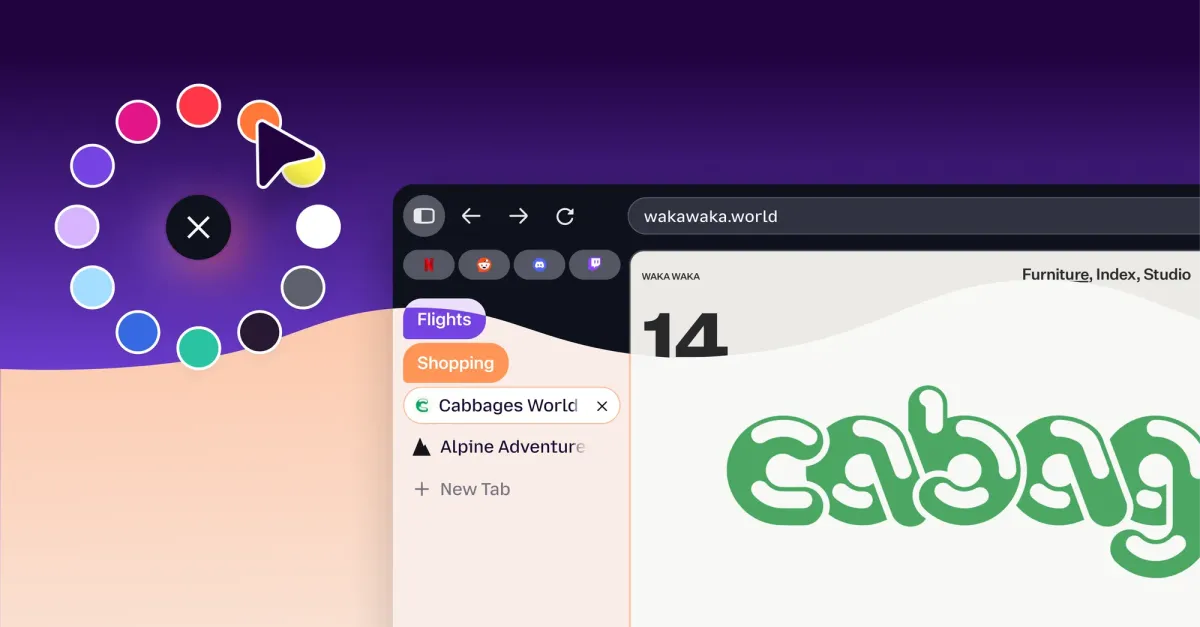
The next time you open Firefox, you might notice that the interface feels a bit softer and more vibrant than usual. Mozilla has rolled out a comprehensive design overhaul across both desktop and mobile platforms, introducing a modernized aesthetic defined by bubble-like tabs and a rounded address bar. By aligning the design language between devices, the company aims to create a more cohesive experience for users regardless of where they are browsing, all while promising that these visual tweaks won’t impact overall browser performance.
This renewal comes on the heels of several functional upgrades introduced over the past year, such as split view capabilities, integrated VPN services, and customizable homepage widgets. While the brand continues to let users disable AI tools if they prefer privacy, it is still leaning into the technology with its recently launched Smart Window AI mode to keep pace with competitors like Google Chrome. Interestingly, some critics note that the shift toward rounded UI elements makes Firefox look slightly more similar to Chrome than it did previously.
Beyond the basic shape of the buttons and bars, Mozilla is giving power users more ways to personalize their space. The update includes an expanded library of themes and wallpapers, featuring dozens of color palettes available in both light and dark modes. It allows browsers to move away from a one size fits all approach and instead reflect the individual taste of the person using it.
Perhaps most exciting for long-time fans is the return of Compact Mode in version 157. After significant demand from the community, this feature returns to allow users to shrink their tabs and toolbars, maximizing the actual screen real estate dedicated to web content. For those working on smaller monitors or laptops, there is even an auto-compact option that adjusts automatically to ensure as much room as possible remains for reading and browsing.